Add a beneficiary
Invite a beneficiary to connect their bank account and receive the funds raised directly through your fundraiser.
★★★★★ Trustpilot Reviews
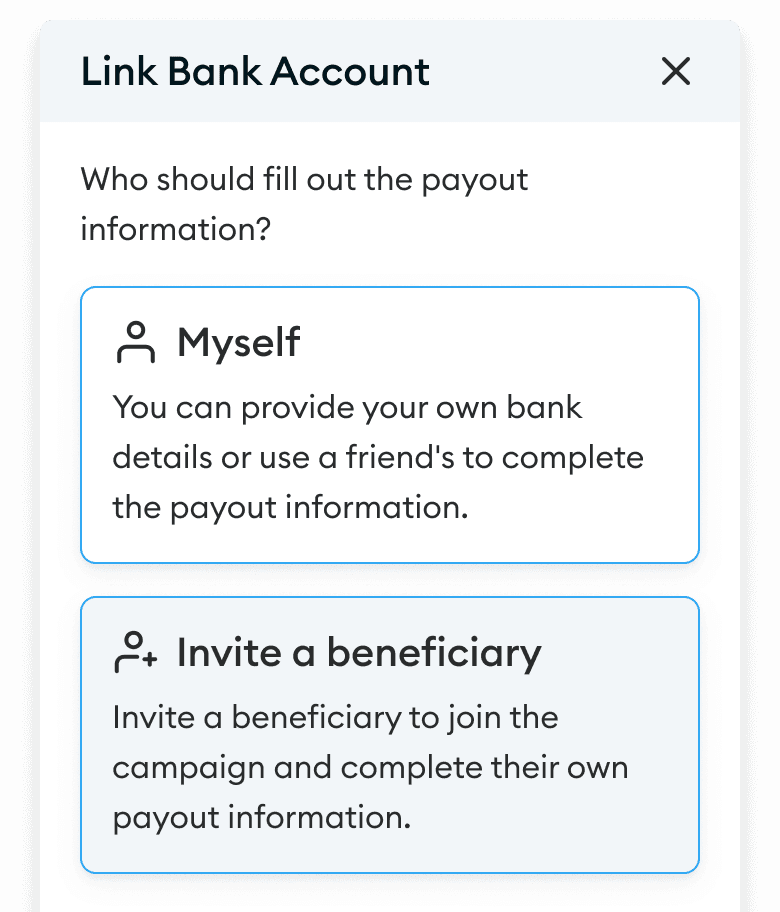
How to add a beneficiary to your fundraiser
01
Go to your fundraiser dashboard, click on Link Bank Account, and choose Invite a Beneficiary.02
Fill in the required details, and an invitation will be sent to the beneficiary.03
You'll receive a unique code to share with the beneficiary, this added step ensures the process is secure.